Mighty Deeds
Warriors and Dwarves can perform Mighty Deeds of Arms. To use this feature, you need to configure your character's Attack Bonus Mode.
Setting Up Mighty Deeds
- Click the Toggle Controls button (three vertical dots) in the title bar
- Click Config
- Set Attack Bonus Mode to Roll Per Attack
- Click Save Config
This will automatically roll your deed die with every attack.
Attack Bonus Field
Set the Attack Bonus field on the Character tab to your character's deed die (e.g., 1d3 for a level 1 Warrior).
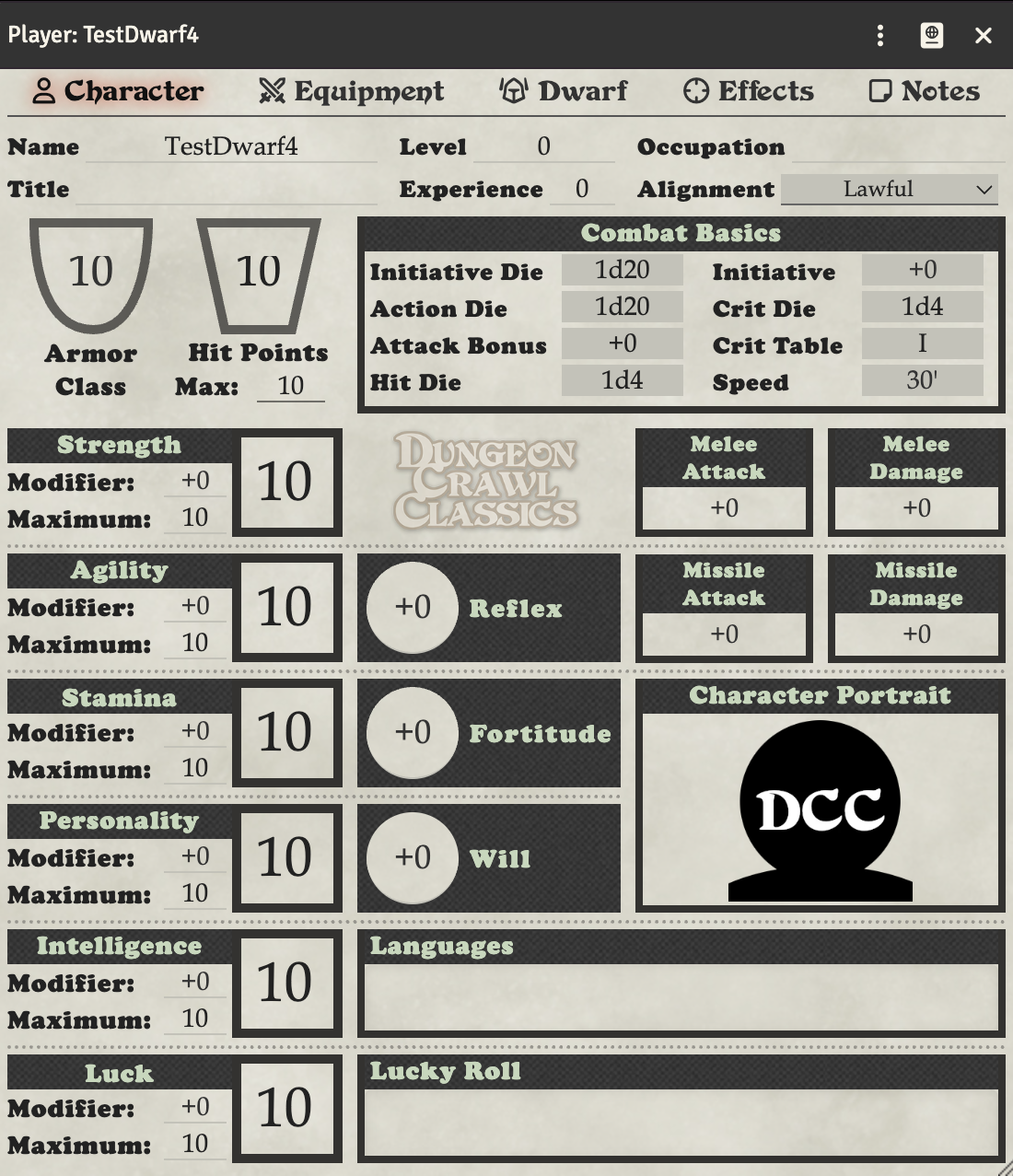
The deed die result is automatically added to your attack and damage rolls.
Using @ab in Weapons
You can use +@ab in your weapon's to hit and damage fields to include the deed die result. This is useful if you need to customize how the deed die is applied.
Automatic vs Manual Rolling
- Roll Per Attack (recommended): The deed die is rolled automatically with each attack
- Flat Bonus: Use this if you want to manually roll the deed die before attacking
See Advanced Character Settings for more details on the Attack Bonus Mode setting.
Mighty Deed Table Prompt (optional)
When enabled, a successful deed (a deed die of 3 or higher) adds a prompt to the attack chat card: a dropdown of available Mighty Deed tables plus a Roll Deed button. Pick the table for the deed you declared and click Roll Deed to look the deed die result up on that table and post the outcome to chat.
This feature is off by default. To turn it on:
- Open Game Settings → Configure Settings → Dungeon Crawl Classics
- Enable Enable Mighty Deed Tables
Tables are gathered from two places:
- World roll tables whose name contains "Deed" are picked up automatically (created, renamed, and deleted tables update live).
- A Mighty Deeds Tables Compendium can be selected under the manual compendium settings; modules (such as the core rulebook content) can also register deed-table packs via the
dcc.registerMightyDeedsPackhook.
If no deed tables exist, or the deed fails, the attack card is unchanged and no prompt appears.