Dwarf
Setting Up a Dwarf
First, select the "Dwarf" sheet type:
- Click the Toggle Controls button (three vertical dots) in the title bar
- Click Configure Sheet
- In the This Sheet dropdown, select Dwarf
- Click Save Sheet Configuration
Dwarf Tab
The Dwarf tab shows the Mighty Deed of Arms section and Lucky Weapon field, similar to Warriors.
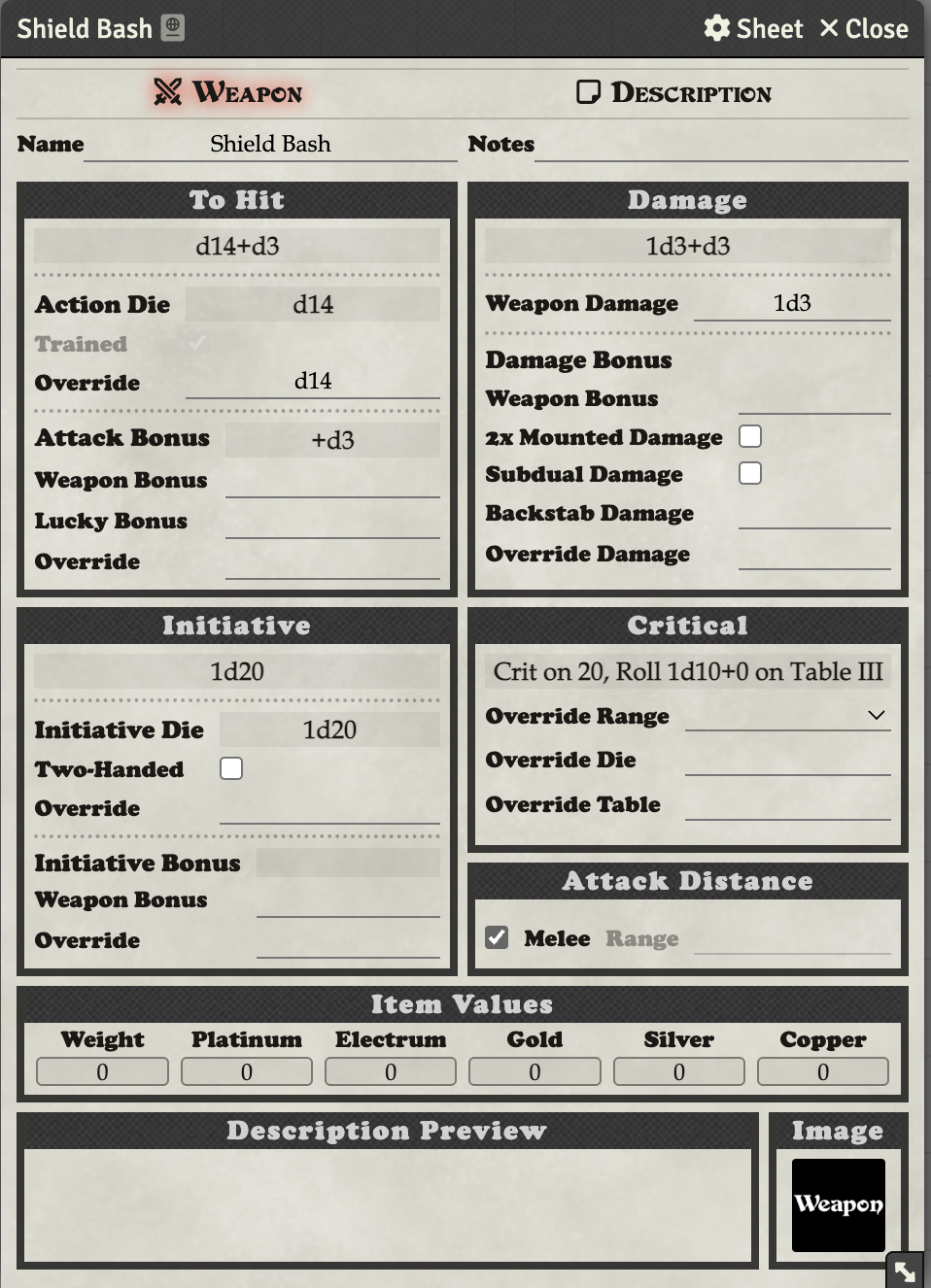
Shield Bash
When you first select the Dwarf sheet, a "Shield Bash" weapon is automatically added to the Weapons section of the Equipment tab.
Attack Bonus Mode
Dwarves use the "Roll Per Attack" attack bonus mode (like Warriors) to roll their deed die with each attack. Set this in the Config menu by clicking the Toggle Controls button and selecting Config.