You can use the Roll Table Importer module to import a table straight from a PDF. First make sure the module is installed and enabled. The Table Importer setting should be enabled by default under Module Settings.
Next, go to the Rollable Tables tab in the upper right of the Foundry interface and click Import Tables at the top of the sidebar.
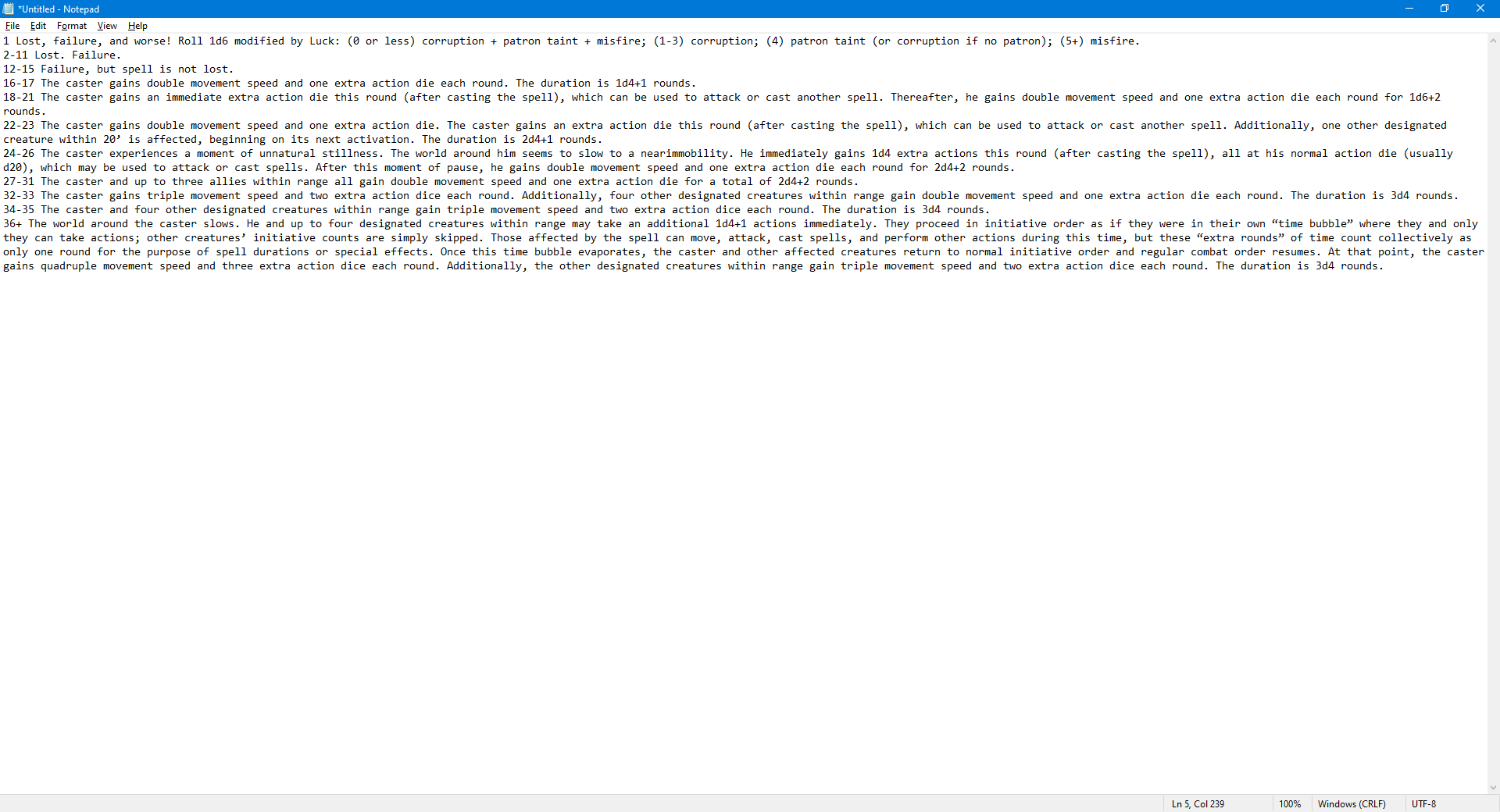
Copy/paste your table from the PDF into Notepad (or Notes on the Mac). Make sure each line is a number, followed by an entry. If the entry is very long it can word wrap, but make sure it is all part of the same line. If it isn't, the table won't come out right. You may also want to do a find and replace on "- " to remove the hyphenations.
Paste from Notepad/Notes into the text area in the Import Rollable Table dialog and click Okay.
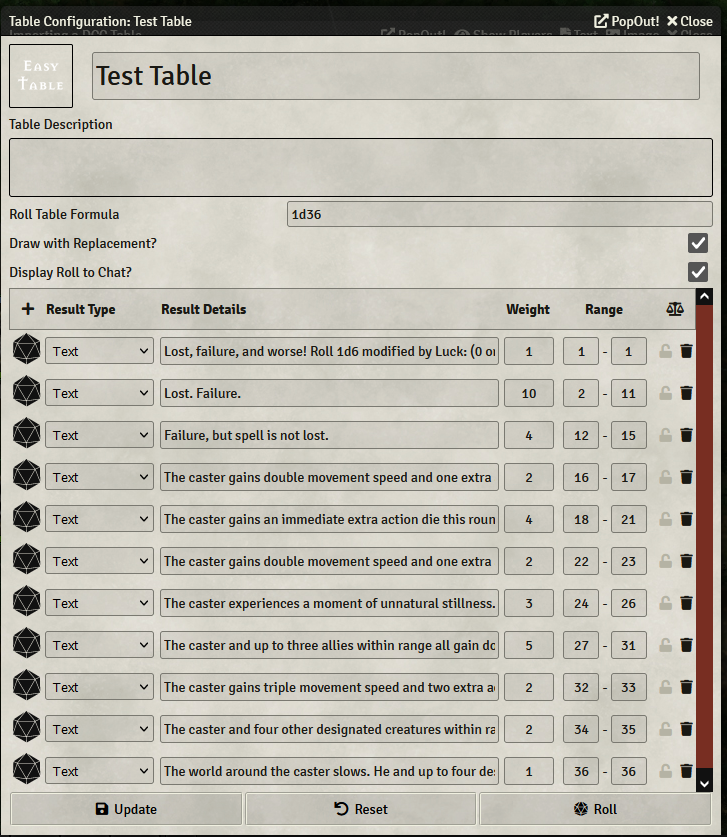
The table is generated and you can roll on it. You may need to correct the Roll Table Formula.