Cleric
Setting Up a Cleric
First, select the "Cleric" sheet type:
- Click the Toggle Controls button (three vertical dots) in the title bar
- Click Configure Sheet
- In the This Sheet dropdown, select Cleric
- Click Save Sheet Configuration
Cleric Tab
The Cleric tab has the cleric-specific skills, such as Lay on Hands, Divine Aid, and Turn Unholy.

As your cleric accrues disapproval from failed spells, the disapproval number on this tab will go up. You can adjust or reset it manually.
If your cleric's deity has their own disapproval table that you have created, you can choose that here.
There is also a handy reference chart for those skills on this tab.
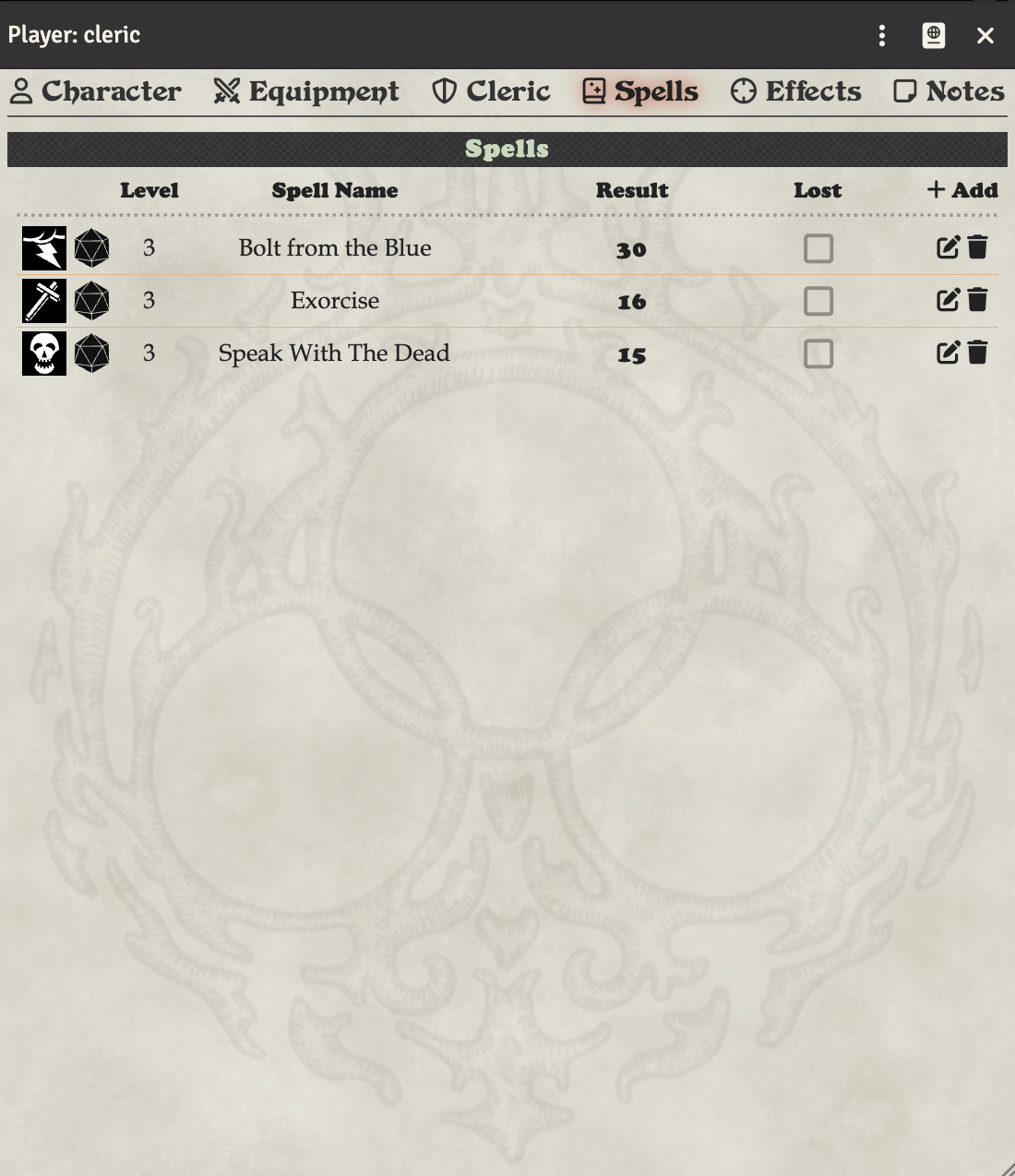
Cleric spells are on the Spells tab.
Creating World-Local Disapproval Tables
You can create custom disapproval tables specific to your world or deity. The system will automatically find and add world tables to the dropdown if their name contains "Disapproval" (or the localized equivalent in your language).
Step 1: Create a RollTable
- Click on the RollTables tab in the sidebar
- Click Create RollTable
- Fill in the table details:
- Name: Must contain "Disapproval" in the name (e.g., "Cthulhu Disapproval", "Lord of All Smiths Disapproval", or just "Disapproval")
- Description: Optional description of the deity or table
- Roll Formula: Leave blank or set to any formula - it is not used (the system automatically rolls based on the spell check result)
- Add table results in the Results section:
- IMPORTANT: Your first result should have a minimum range of -500 (or lower) to catch all low rolls
- IMPORTANT: Your last result should have a maximum range of 500 (or higher) to catch all high rolls
- For each row in the disapproval table, click Add Result
- Set the Range to match the DCC disapproval table (e.g., 1-1, 2-3, 4-5, etc.)
- Set the Text to the disapproval effect for that range
- Example ranges:
- First result:
-500 to 1(catches all rolls of 1 or below) - Middle results:
2-3,4-5,6-8, etc. - Last result:
16 to 500(catches all rolls of 16 or above)
- First result:
- Click Create RollTable to save
Why these ranges? The disapproval roll formula is (natural spell check roll)d4 - luck modifier. For example, if you rolled a natural 3 on your spell check with -1 luck, the disapproval roll is 3d4 - (-1) = 3d4 + 1, which can range from 4 to 13. Using wide ranges like -500 to 500 ensures all possible results are covered.
Step 2: Select the Table on Your Cleric
- Open your Cleric's character sheet
- Go to the Cleric tab
- In the Disapproval Table dropdown, your world table will appear automatically if it contains "Disapproval" in its name
- Select your custom table from the dropdown
- The table is now ready to roll when disapproval is incurred
The system will automatically find and list your world table in the dropdown. If you rename the table and remove "Disapproval" from the name, it will be removed from the dropdown automatically.
Tips
- The table name must contain "Disapproval" to appear in the dropdown (e.g., "Zeus Disapproval", "Disapproval of Ares")
- Create a separate RollTable for each deity's disapproval effects
- Each Cleric can select their own deity's disapproval table
- The dropdown updates automatically when you create, rename, or delete tables
- Tables are rollable by clicking the Disapproval Range label or dragging it to the hotbar
- If you have the Core Book module, it includes the standard disapproval table automatically
- Works with localized versions of "Disapproval" in other languages (e.g., "Ungnade" in German, "Désapprobation" in French)
Creating Cleric Ability Roll Tables
By default, cleric abilities (Turn Unholy, Lay on Hands, Divine Aid) roll a spell check and show a simple pass/fail result. If you want detailed results from a roll table (like the tables in the DCC RPG rulebook), you can create your own world RollTables and the system will find them automatically.
If you have the Core Book module installed, these tables are included automatically and no setup is needed.
Step 1: Create a RollTable
- Click on the RollTables tab in the sidebar
- Click Create RollTable
- Name the table one of these exact names (must match exactly):
- Turn Unholy
- Lay on Hands
- Divine Aid
- Leave the Roll Formula blank — the system uses the spell check result to look up the table row
- Add table results in the Results section. Each row maps a spell check total to its effect:
- Click Add Result for each row
- Set the Range to match the spell check totals from the DCC RPG rulebook
- Set the Text to the effect description
- IMPORTANT: Your first result should have a minimum range of 1 to catch low rolls
- IMPORTANT: Your last result should have a high maximum range (e.g., 40) to catch high rolls with bonuses
Example for Turn Unholy:
- 1 to 11: No effect
- 12 to 13: Turned 1d4 HD of unholy creatures, etc.
- 14 to 19: Greater effect...
- 20 to 40: Maximum effect...
6. Click Create RollTable to save
The system will automatically find and use your world table the next time that ability is rolled. The table result text will be displayed in the chat card instead of the simple "Success." / "Failure." message.
Tips
- The table name must exactly match one of the three names above — the system looks up world tables by the localized ability name, so non-English users should use the translated name from their language file
- Each ability needs its own RollTable — they have different result ranges and effects
- Fumbles (natural 1) always use the lowest table result, and crits (natural 20) add the cleric's level to the roll before looking up the result
- To stop using a table, simply delete or rename the world RollTable — the system will fall back to the simple pass/fail display