Creating Re-useable Items
You can create a weapon (mundane or magic) that can be stored in a compendium for other uses, or dragged onto a character if they have that item.
Creating an Item
- Click the Items Directory tab in the sidebar (looks like a suitcase)
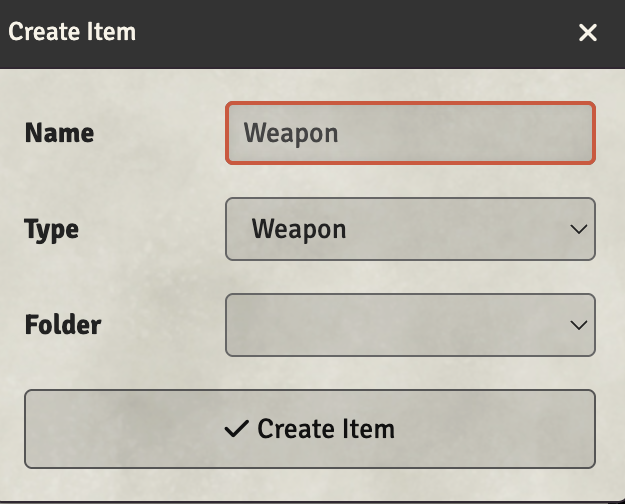
- Click Create Item
- Enter a name for the item
- Select the item Type (Weapon, Armor, Equipment, Spell, etc.)
- Optionally select a Folder to organize it
- Click Create Item
Using Re-useable Items
Once created, you can:
- Drag to character: Drag the item from the Items Directory onto any character sheet to give them the item
- Store in Compendium: Right-click the item and export it to a compendium for use across worlds
- Share with players: Items in the directory can be configured with permissions for players to use