Custom Critical Hit Table
You can create a custom Critical Hit Table in your world.
Creating the Table
- Click the Rollable Tables tab in the sidebar
- Click Create Table
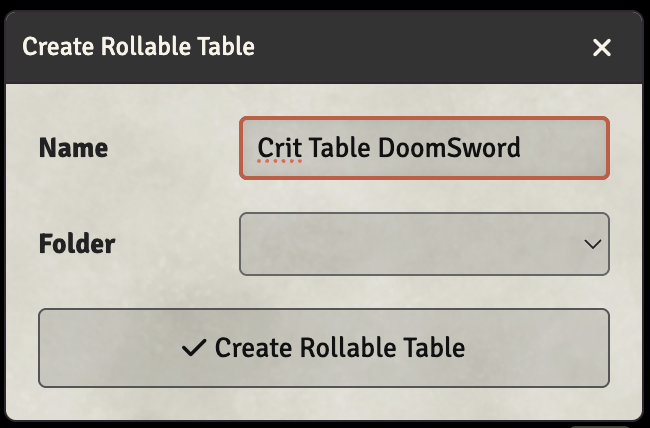
- Name the table with the format
Crit Table XXXXwhere XXXX is the short name you want to use (e.g., "Crit Table DoomSword") - Click Create Rollable Table
Adding Results
After creating the table, add results for each critical hit outcome:
- Click the + button to add a result row
- Set the Range for each result (e.g., 1-2, 3-4, etc.)
- Enter the critical hit effect text in the Details field
- Click Update Roll Table to save
Using the Custom Table
Reference your custom crit table by its short name:
- On Character: Enter the short name (e.g., "DoomSword") in the Crit Table field in Combat Basics
- On Weapon: Enter the short name in the weapon's Override Table field to use it only for that weapon